Knowing your bench press max is only useful if you turn it into a plan. The good news is that one number from a bench press calculator can set every working weight for the next month. Here is exactly how we use it to plan workouts, with a ready to use 4 week example.
Step 1: Get an Honest Estimate
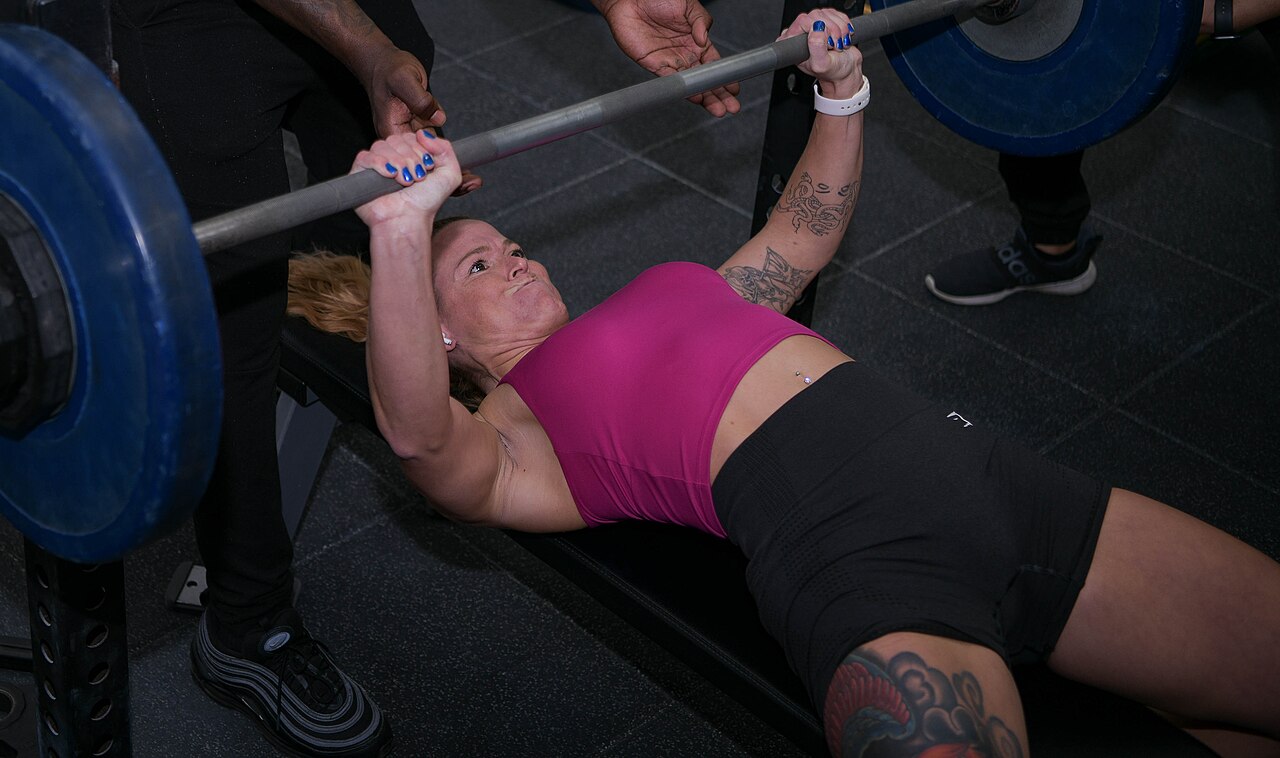
Open our bench press calculator and enter the heaviest set you did recently, with the number of clean reps you finished. A set of 3 to 6 reps gives the most reliable estimate. The calculator runs seven 1RM formulas and shows their average as your estimated max.
Write that number down, or tap Save to my history so you can compare it next time.
Step 2: Pick the Right Percentage for Your Goal
| Goal | % of max | Reps per set |
|---|---|---|
| Max strength | 80% to 90% | 2 to 6 |
| Muscle growth | 65% to 80% | 6 to 12 |
| Speed and technique | 50% to 65% | 3 to 5 fast reps |
| Warm up | 40% to 60% | 5 to 10 easy reps |
The training percentages table right under the calculator turns each of these into real weights, rounded to the nearest 2.5 kg or 5 lb so you can load them on a bar.
Step 3: Use a Training Max to Stay Consistent
Many popular programs, including Jim Wendler’s 5/3/1, base their numbers on a training max of about 90% of your real max instead of the full number. That small cushion lets you hit every rep with good form, even on a bad day, and leaves room to progress. If your estimate is 100 kg, your training max would be 90 kg.
Step 4: Build Your Weeks
Here is a simple 4 week block for a lifter with an estimated max of 100 kg, using the full estimate. Bench twice a week: one heavy day from the table and one lighter day at 65% to 70% for 3 sets of 10.
| Week | Heavy day | Load at 100 kg max |
|---|---|---|
| 1 | 4 sets of 6 at 75% | 75 kg |
| 2 | 4 sets of 5 at 80% | 80 kg |
| 3 | 5 sets of 3 at 85% | 85 kg |
| 4 | 3 sets of 2 at 90%, then retest | 90 kg |
Not sure which plates make 85 kg? Our plate calculator shows it instantly: a 20 kg bar with a 25 kg, a 5 kg and a 2.5 kg plate on each side.
Step 5: Recheck Your Max Without Testing
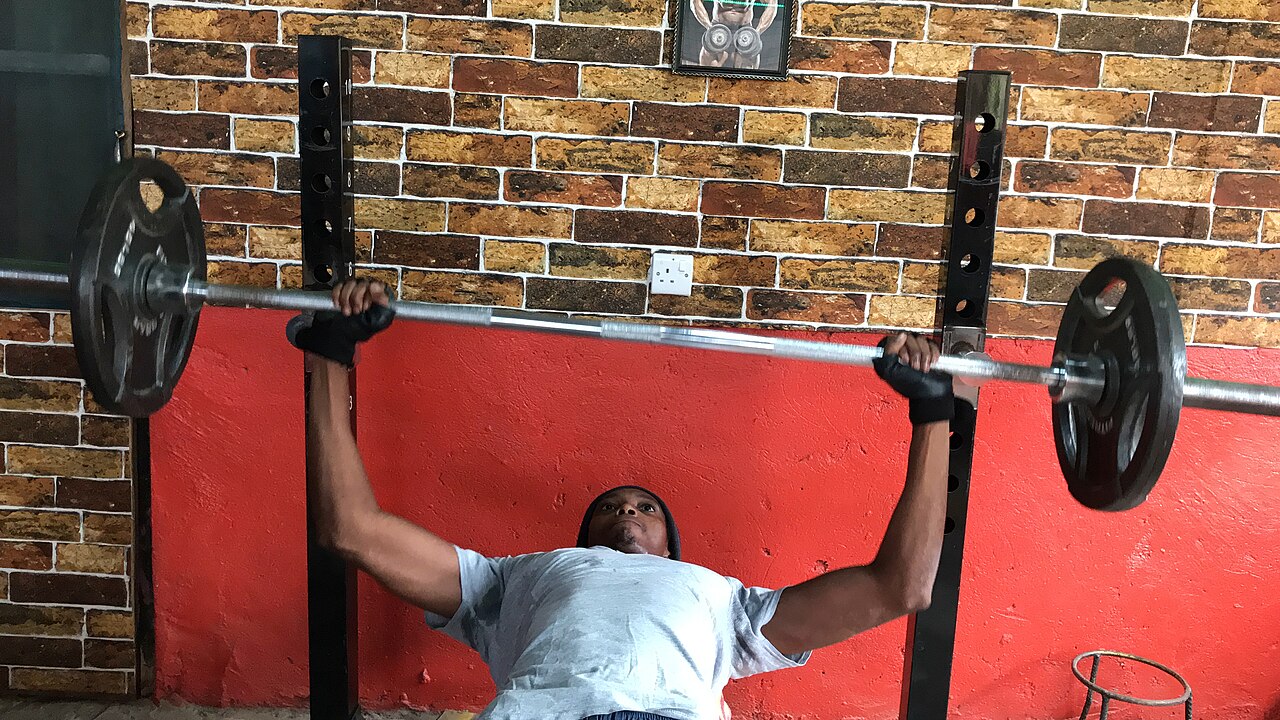
At the end of each block, take one top set to near failure at around 80% to 85%. Enter the weight and reps into the calculator and you have a fresh estimate without the risk of a true max test. Use the new number for your next block. If the estimate went down, keep the old one and look at sleep, food and recovery before pushing harder.
Step 6: Use the Rep Max Table on Your Heavy Days
The rep max table shows the weight you should be able to lift for 1 to 12 reps. If your program says “a heavy set of 5”, look at the 5 rep row. If you beat that number by two or more reps, your real max has gone up, and it is time to update your estimate.
FAQ
How often should I update my max?
Every 2 to 4 weeks from a hard top set is plenty. Updating after every workout makes your loads jump around too much.
Should I use my real max or a training max?
Beginners can use the full estimate. If you often miss reps or grind through sets, plan from about 90% of your estimate instead.
Can I plan other lifts the same way?
Yes. The same steps work for the squat, deadlift and overhead press. Just enter a set from that lift.